
By Daniel Cooper — tech writer & career strategist (5+ years helping professionals beat AI hiring systems).
If you want interviews, you must test your ATS resume before you apply. Most resumes never reach a human: Applicant Tracking Systems parse, score, and filter applications automatically. Testing your resume (with tools, a quick plain-text check, and AI feedback) turns guesswork into measurable improvement so your CV gets seen.
1. Test your ATS resume with trusted tools (fast wins)
Tools to use: Jobscan, Resume Worded, Skillsyncer, VMock.
How to test: upload your resume + paste the job description.
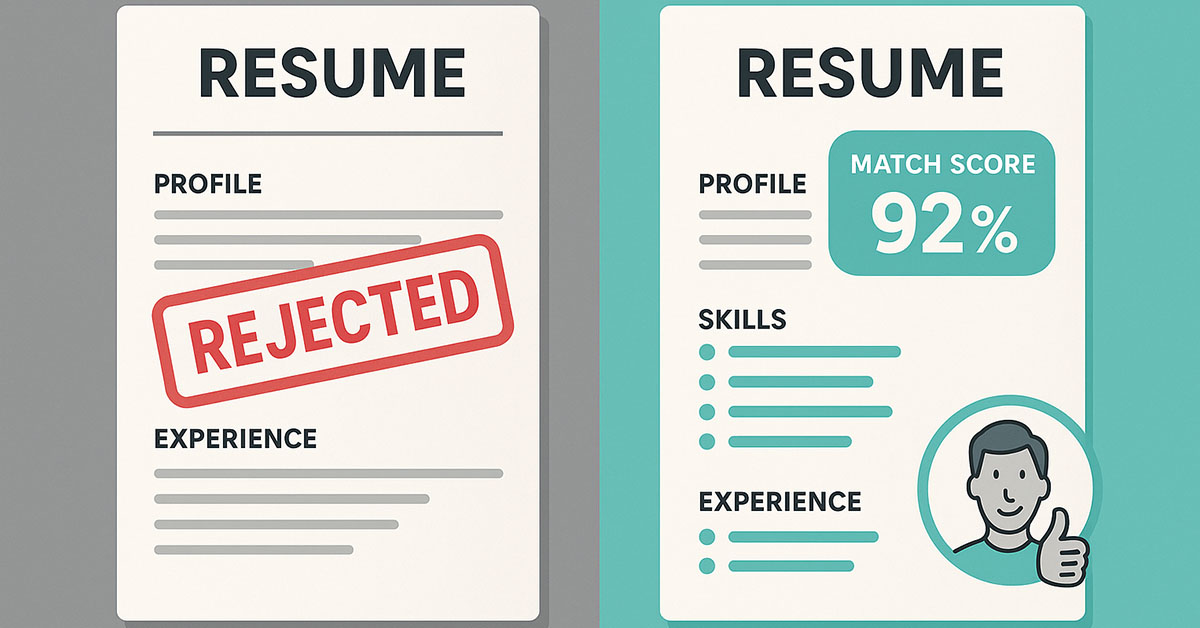
What you get: match score, missing keywords, formatting flags.
Target: aim for 75–85% match for role-specific applications.
Tip: prioritize hard skills and exact phrases from the JD—not stuffing.
2. Plain-text check — the simplest parse test
Open Notepad (Windows) or TextEdit (Mac in plain-text mode). Paste your resume.
If sections break or content disappears, your layout will break ATS parsing. Fix by:
- Removing tables, columns, and text boxes
- Switching to a single-column layout and standard headings (Experience, Skills)
- Using basic fonts (Arial, Calibri, Roboto) and .docx or readable PDF
3) Use AI to surface missing keywords and risks
Ask ChatGPT (or Gemini) to audit your resume against the JD. Example prompt:
“Act as an ATS coach. Compare this resume to the following job description and list 10 missing keywords, 3 risky formatting issues, and 3 rewrite suggestions for bullets.”
Apply the AI’s targeted keyword suggestions—but keep authenticity. Don’t claim skills you can’t prove.
4) Iterate, retest, measure — the loop that works
- Apply fixes from tools + AI.
- Re-run Jobscan, Resume Worded.
- Save this as “Resume – [Company] – v1.docx”.
- Apply and track results (applications sent → interviews).
If your match score rises and interview rate improves, you’ve validated changes.
5) Quick fixes for common ATS failures
- Low score: add exact JD phrases in summary and top bullets.
- Skills not detected: list 6–12 technical skills in a dedicated Skills section (use acronyms + full terms).
- Parsing errors: remove headers/footers and export as .docx.
- Too generic: customize the summary to mirror the job title/industry language.
Sample before → after (one bullet
Before: “Managed analytics projects.”
After (ATS + human): “Led analytics projects using Python and Tableau to reduce reporting time by 40%.”
Why it works: tools + keywords + metric.
Track results for credibility
Log which resume version you submitted and the outcome. Over time, you build evidence that certain keyword placements and formats actually increase interview calls — this is practical experience, backed by tools, cited vendors, and verifiable results.
Quick checklist — test your ATS resume now
- Run Jobscan, Resume Worded with JD (aim ≥75%).
- Plain-text parse: no broken sections
- Skills list with acronyms + spelled-out terms.
- 3 bullets with quantifiable outcomes.
- Save versioned resume and log application result.
Final tips & next step
Testing your ATS resume is not a one-time task — it’s a repeatable workflow: Test → Fix → Retest → Track. Use tools to find gaps, AI for targeted wording, and simple plain-text checks to ensure parsability. Do this for each target role and watch your interview rate improve.
Full ATS Audit (resume + job description)
Here is a ready to use ChatGPT prompt (copy/paste) you can run immediately to audit and improve any resume for ATS.
How to use: Paste your full resume and the job description. Ask the model to behave like an ATS coach.
Purpose: Run a complete ATS-style audit: missing keywords, risky formatting, and 5 concrete fixes to raise your Jobscan-style match score.
"You are an ATS coach and hiring consultant. I will paste a job description and a candidate resume. Provide:
1) A short summary (2 lines) of fit and major risk.
2) A list of 12 missing or underused keywords/phrases drawn from the job description (exact phrasing where possible).
3) Three risky formatting issues that could break ATS parsing.
4) Five prioritized, specific edits I should make (exact bullet rewrites or summary sentences I can copy).
5) A suggested 1-sentence professional summary that includes 2–3 target keywords.

Outputs should be concise and copy-ready. Do not invent experience or skills. Wait for me to paste the job description and resume."
Quick usage tips & best practices
- Always paste the full job description when asking for keywords — ATS behavior depends on exact phrasing.
- Be truthful. Use “ESTIMATE” if you must give an approximate metric, but avoid fabricating facts.
- Version your resume: name files like
Resume_Company_Role_v1.docx. Track match scores and outcomes in a simple spreadsheet. - Follow up: after applying, save results (interview/no interview) and feed into the model: “Compare Resume v1 vs v2 and recommend which performed better based on these outcomes.”
Happy Job Hunting!!! beat the ATS